SAP Service Cloud V2 + S/4HANA Public Cloud: From Service Ticket to ERP Order

Spadoom
SAP CX Partner & Consultancy
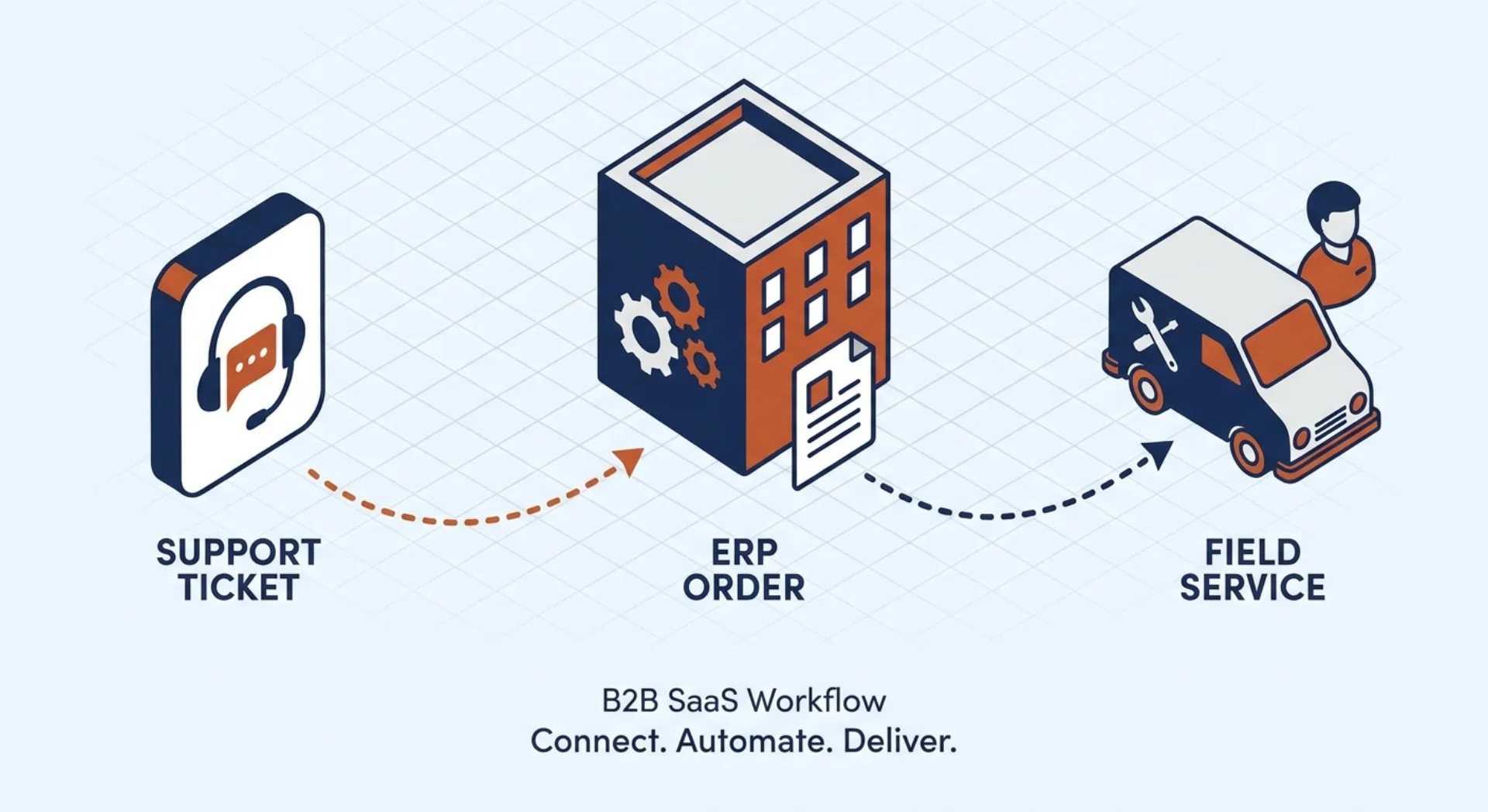
The question we hear most from service directors: “If a customer calls about a broken machine, can my agent see the full equipment history and open an ERP service order without switching systems?” With SAP Service Cloud V2 and S/4HANA Public Cloud connected through SAP Integration Suite, the answer is yes, and the mechanism is mostly standard SAP content, not custom code.
SAP delivers pre-built integration packages on SAP Integration Suite (BTP) that connect SAP Service Cloud V2 to SAP S/4HANA Public Cloud across the flows that matter for a service organisation: equipment and installed-base replication, service ticket to service order, spare-parts hand-off, FSM dispatch, and billing status back into CRM. You configure and deploy SAP’s packages; you do not build the integration from scratch.
For the full picture of running Service Cloud V2 alongside S/4HANA as an integrated stack, see our guide to the SAP CX + ERP integrated stack. For the Sales Cloud V2 side of the same integration topology, see the integration architecture spoke for Sales Cloud V2.
TL;DR: S/4HANA is the system of record for equipment, service contracts, and billing. Service Cloud V2 is the customer-facing layer where agents work. SAP Integration Suite moves data between them. The key flows: installed base from S/4HANA to CRM; service ticket to service order to ERP; spare-parts reservation back; billing document status forward to the agent. Custom logic lives on BTP as side-by-side extensions, never inside the core systems.
How does Service Cloud V2 integrate with S/4HANA Public Cloud?
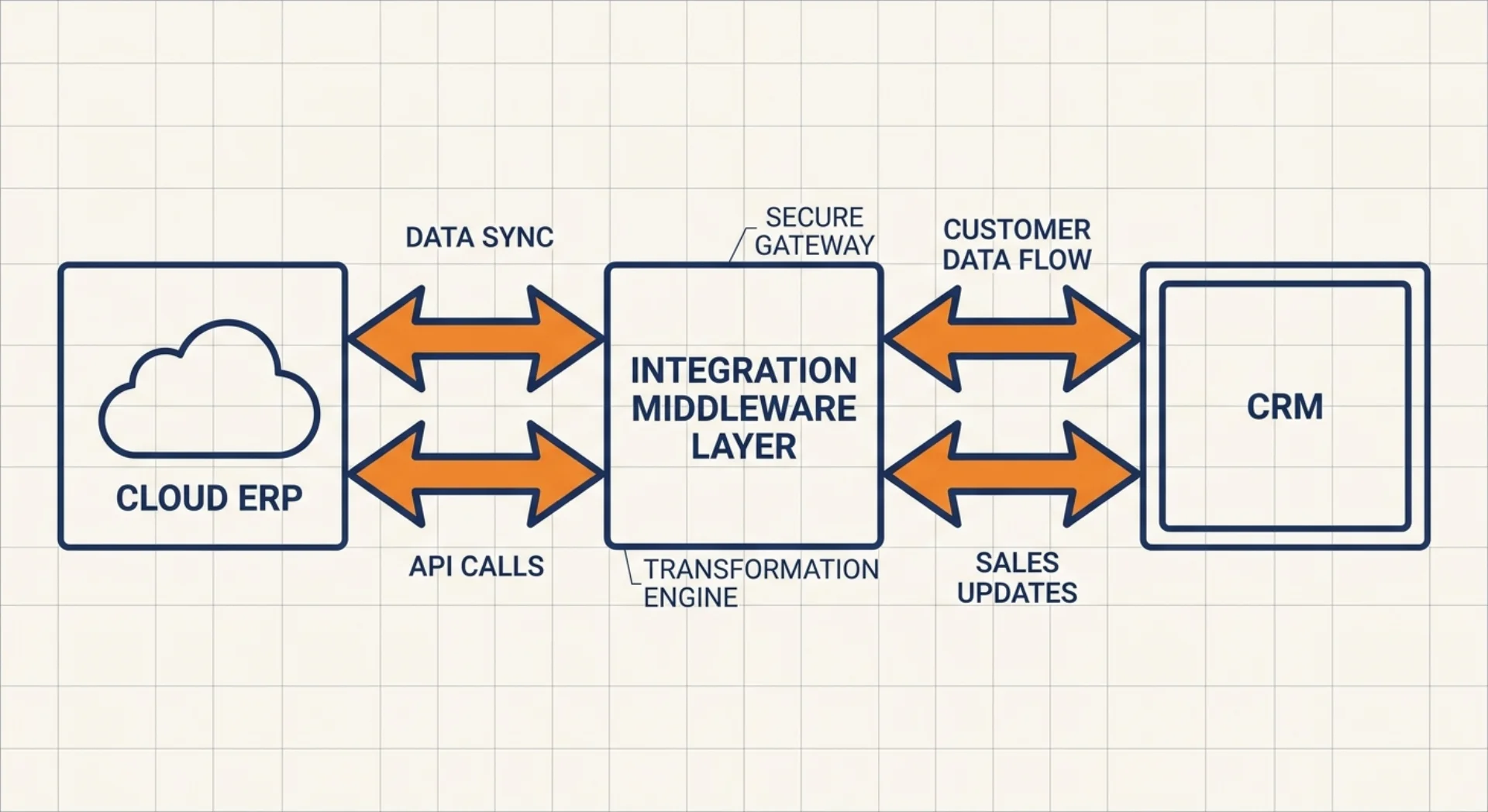
The integration channel is SAP Integration Suite (Cloud Integration on BTP). Both systems expose OData APIs: Service Cloud V2 speaks OData V4, S/4HANA Public Cloud exposes documented APIs on the SAP Business Accelerator Hub. Integration Suite sits in the middle: it executes iFlows that transform, map, and route messages between the two.
The architecture is intentionally decoupled. Neither system calls the other directly. All traffic goes through Integration Suite. That gives you centralised error monitoring, retry logic, message logs, and a single operational runbook, which matters the moment something goes wrong at 10 pm on a Friday.
SAP ships pre-built integration content packages specifically for the Service Cloud V2 and S/4HANA Public Cloud combination. These are available in the Integration Suite content catalog. Deployment means: configure the connection parameters, adapt field mappings to your data model, and activate. You do not build iFlows from scratch for the standard service flows.
The prerequisite before any iFlow goes live is provisioning Integration Suite on your BTP subaccount and setting up Communication Arrangements in S/4HANA Public Cloud. The Communication Arrangements define which APIs are exposed and to which OAuth clients. This setup is the foundation. Teams that treat it as a footnote typically lose a full sprint at the start of the integration phase.
Installed base and equipment master from S/4HANA
S/4HANA is the system of record for the installed base. Equipment masters, serialised materials, and service contracts originate there. The standard integration content replicates this data into Service Cloud V2 so agents have a complete picture of what the customer has, where it is, and what its warranty and contract status is.
Equipment master replication. The iFlow brings equipment records (serial number, product ID, description, installation date, and service contract reference) from S/4HANA into Service Cloud V2. These records attach to customer accounts and can be linked directly to incoming service tickets. When a customer calls, the agent sees the machine, not just the customer.
Warranty and service contract status. Contract information from S/4HANA flows alongside the equipment record. This is practical for triage: an agent can see immediately whether the reported defect is under warranty before committing to a billable intervention. Getting this right at ticket-creation time avoids the back-and-forth that frustrates customers and slows service teams.
Event-driven updates. Changes to equipment records in S/4HANA (for example, after a service intervention updates the maintenance log) propagate back to Service Cloud V2 in near-real time. The agent always sees the current state of the asset, not yesterday’s snapshot.
The mapping between S/4HANA’s equipment model and Service Cloud V2’s installed-base structure requires attention. S/4HANA models equipment with technical objects that have their own hierarchy (functional locations, equipment, serial numbers). Service Cloud V2 has its own installed-product model. The standard iFlow handles the main translation, but project-specific field extensions and hierarchy mappings need explicit configuration. Budget a sprint for this.
Ticket to service order to billing
This is the core transactional flow, and the one that directly reduces the manual work service teams typically hate.
Service ticket in Service Cloud V2. An agent creates or receives a ticket. They associate the relevant installed product and confirm the issue. Based on business rules (for example, the defect type requires a field intervention, or the contract stipulates on-site service), the ticket moves to a status that triggers the service order creation.
Service order in S/4HANA. The standard integration content creates a service order in S/4HANA from the ticket data. The service order carries the customer reference, the equipment serial number, the reported issue, and the relevant service contract. This is where ERP-side processes begin: cost object assignment, work centre allocation, and spare-parts planning.
Time and material confirmation. When field technicians or back-office staff complete service activities, they confirm time and materials on the S/4HANA service order. These confirmations drive the billing calculation.
Billing and invoice status back to CRM. Once the service order is billed in S/4HANA, the invoice reference and billing document status flow back to Service Cloud V2. The agent sees the case as financially closed without logging into the ERP. For service managers reviewing case history, the complete lifecycle (ticket opened, field visit completed, invoice settled) is visible in one place.
Spare-parts and FSM hand-off
For equipment-heavy service businesses, spare-parts availability is often the critical path. The integration addresses this directly.
Spare-parts reservation from S/4HANA. When the service order is created in S/4HANA, planners can check material availability and create reservations against stock. The reserved parts are associated with the service order, not the field technician’s personal van stock. For service organisations with multiple warehouses or central parts distribution, this matters.
FSM dispatch. SAP Field Service Management (FSM) is the scheduling and mobile execution layer. When a field visit is needed, the S/4HANA service order triggers a work order in FSM via the integration. The field technician receives the job on the FSM mobile app with the equipment data, reported issue, and reserved spare parts already attached.
Time posting back to S/4HANA. When the field technician closes the job in FSM, the actual time and materials consumed post back to the S/4HANA service order automatically. Planners and billing staff do not need to re-enter data. The confirmation in FSM is the confirmation in ERP.
The three-system topology (Service Cloud V2, FSM, and S/4HANA) is a documented SAP reference architecture. It’s not a custom solution. But it does require SAP Integration Suite to orchestrate all three data flows, and it requires careful sequencing: the Service Cloud V2 ticket must exist before the FSM work order, and the FSM work order must link to the S/4HANA service order for the posting to work correctly.
The 360° service agent view
A service agent who must toggle between CRM, ERP, and FSM to answer a customer’s question makes mistakes and takes too long. The integrated stack eliminates that problem by surfacing S/4HANA and FSM data directly in Service Cloud V2.
In the integrated setup, a service agent on Service Cloud V2 sees:
- Installed base: the customer’s equipment, serial numbers, warranty, and contract status (from S/4HANA)
- Open service orders: ERP-side service orders linked to the account (from S/4HANA)
- Field visit status: whether a technician is assigned, en route, or on-site (from FSM)
- Billing history: previous invoices and payment status (from S/4HANA)
- Ticket history: prior cases, resolution notes, and time-to-resolve (native Service Cloud V2)
This 360° view does not require the agent to have S/4HANA or FSM licences. The data is surfaced into the Service Cloud V2 UI through the integration. For service organisations where field service and ERP are owned by different teams, this is a meaningful change: the customer-facing agent has full context without depending on a colleague in logistics.
Clean-core service integration patterns
SAP’s clean-core principle for S/4HANA Public Cloud means no modifications to core ERP code. Customisation happens through BTP as a side-by-side extension platform. The same principle applies to the integration layer.
Standard iFlow, copy-then-configure. SAP maintains the standard iFlow packages and ships updates. If you modify a standard iFlow directly, you lose the ability to apply those updates cleanly. The right approach: copy the standard iFlow, configure your customisation in the copy, and document the delta. This is exactly the same principle as clean-core applied to integration content.
Custom logic on BTP, not in CRM or ERP. If your service process has logic that the standard iFlow does not cover (for example, routing rules based on equipment type and region, or escalation triggers based on contract tier): build that logic as a CAP application or a custom iFlow on BTP. Do not inject custom logic into Service Cloud V2 workflows or S/4HANA service processes directly. The moment you do, you create upgrade risk.
SAP Integration Suite as the integration bus. All flows (equipment replication, ticket-to-order, FSM dispatch, billing status) should run through the same Integration Suite tenant. A single integration platform means a single monitoring dashboard, a single error queue, and a single team responsible for integration operations. Point-to-point API calls between systems are a maintenance problem waiting to happen.
Error handling and alerting. Production integration means handling failures gracefully. The standard iFlow packages include error handling, but you need to configure alerting: who gets notified when an iFlow fails, what the retry policy is, and how the error gets resolved. This setup is often skipped in project delivery and becomes a gap the moment the first production failure occurs.
Getting the integration architecture right at the start is faster than fixing it under pressure. If you are evaluating a Service Cloud V2 + S/4HANA Public Cloud project, talk to our team: we have run these integrations across multiple DACH service businesses and can tell you where the complexity is before it becomes a surprise.
SAP Service Cloud V2 implementation partner
Spadoom is the SAP Service Cloud V2 implementation partner across Switzerland, Germany, Austria and Italy. 14-week median go-live. Live customers across DACH.
Related Articles
Integration Architecture: Connecting Sales Cloud V2 to S/4HANA Public Cloud
How does Sales Cloud V2 actually connect to S/4HANA Public Cloud? Standard SAP integration content, master data replication, transactional flows, and where custom logic lives on BTP.
What S/4HANA Public Cloud Gives You Natively vs What Needs Sales/Service Cloud V2
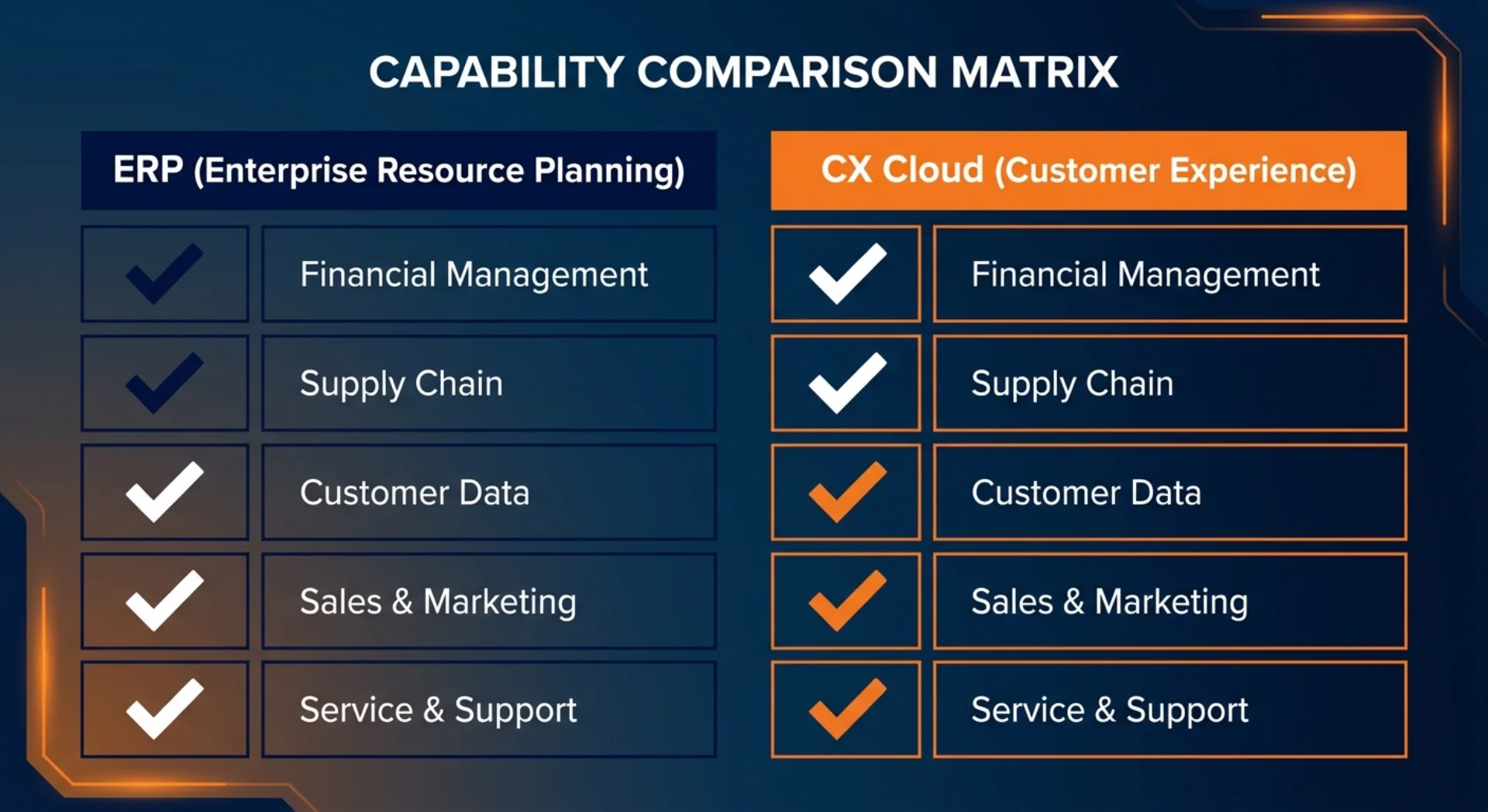
S/4HANA Public Cloud handles orders and basic sales documents. It does not replace a front-office CRM. Here's a clear map of what's native, what needs Sales Cloud V2, and what needs Service Cloud V2.
Why SAP Sales Cloud V2 Is the Right CRM for an S/4HANA Public Cloud Landscape
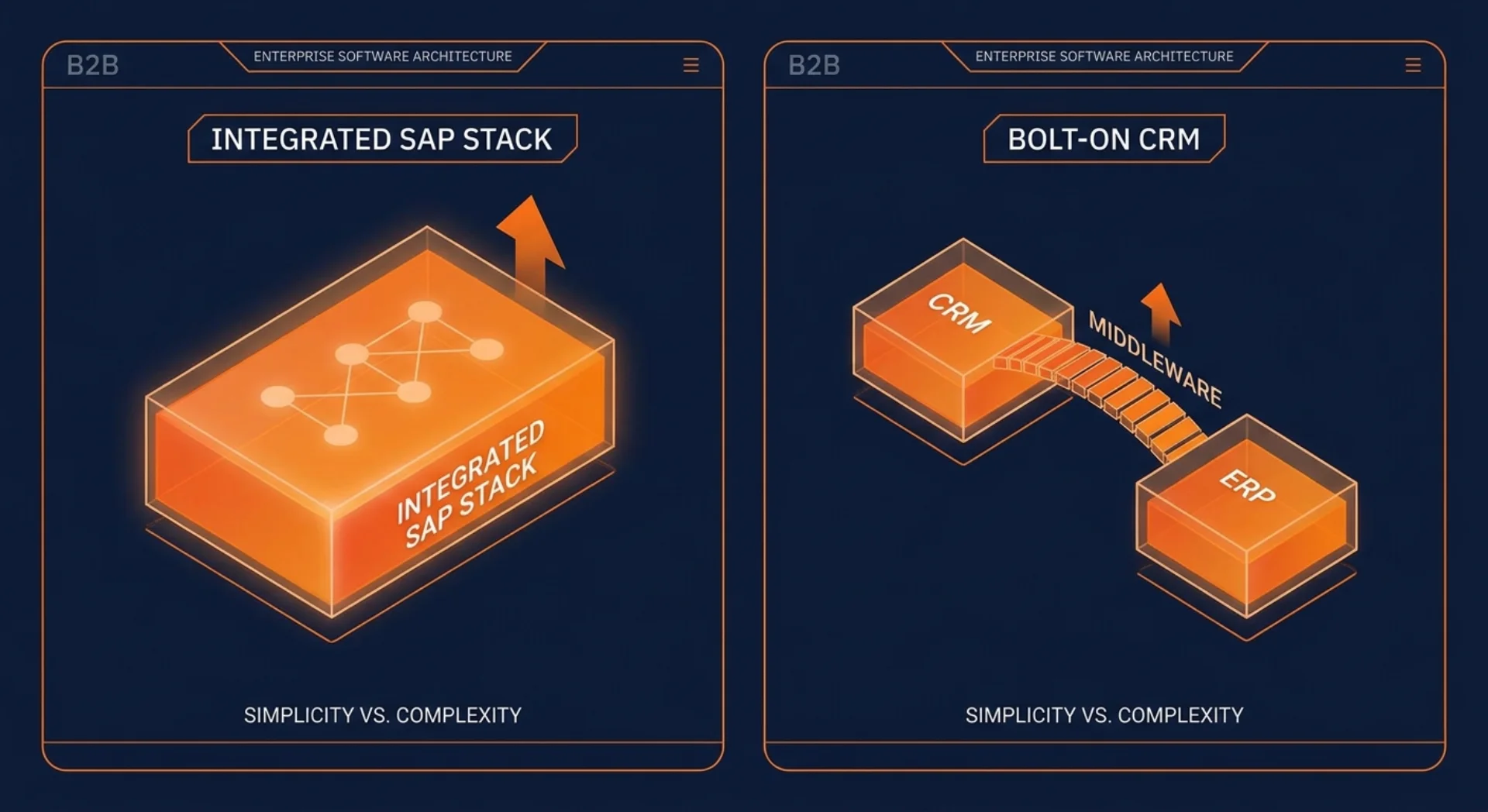
If you're running SAP S/4HANA Public Cloud, the best CRM is the one that doesn't need a middleware layer to talk to your ERP. That's SAP Sales Cloud V2.