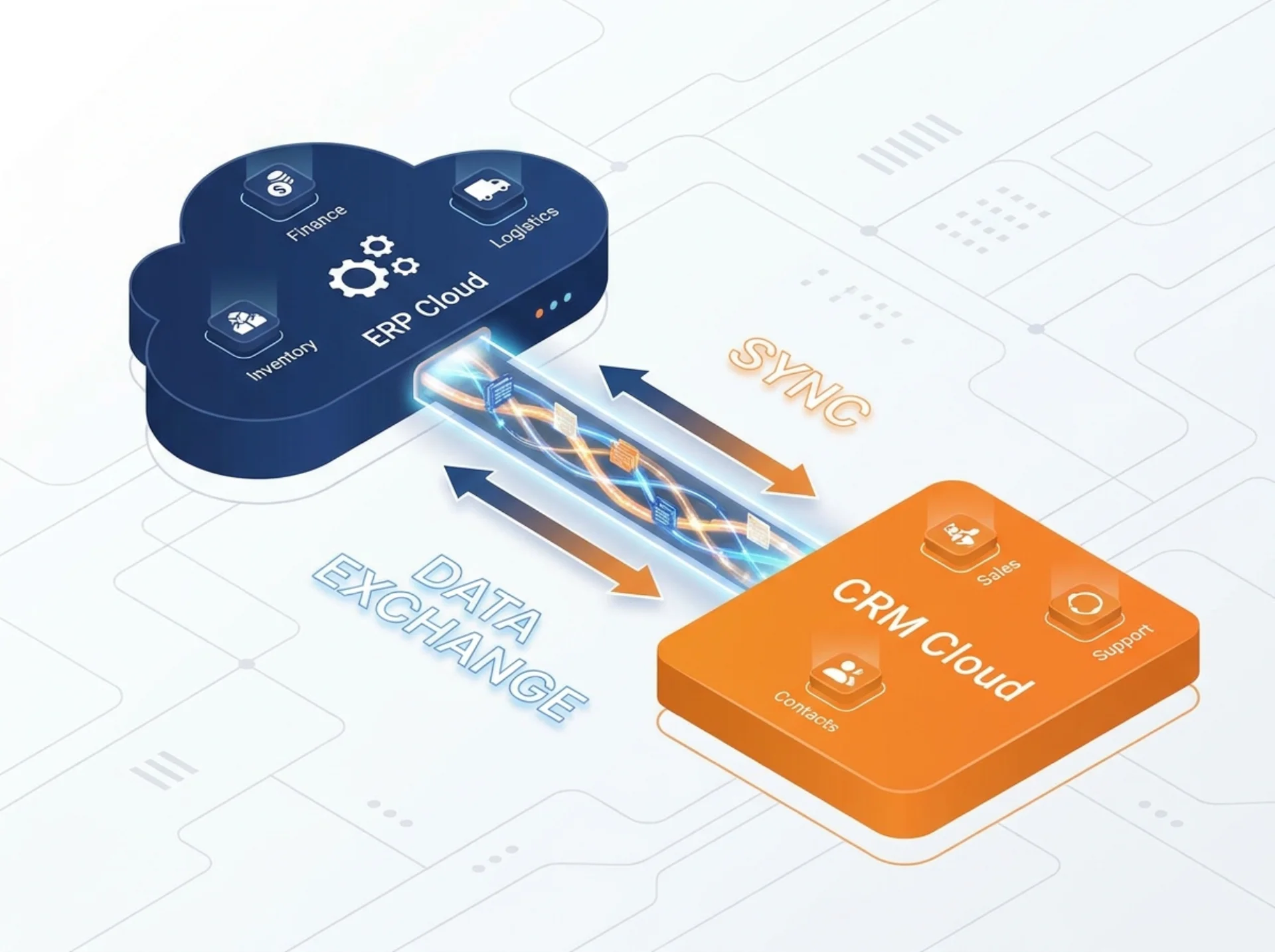
SAP S/4HANA Public Cloud + SAP Sales Cloud V2: The Integrated CX + ERP Stack

Spadoom
SAP CX Partner & Consultancy
You don’t need two CRM systems and two ERP systems. Most DACH companies running SAP already have both, just not the right ones connected to each other.
SAP integration can use supported APIs and preconfigured integration content. The actual data scope, latency and middleware requirements depend on the products, editions and configured scenario. Assess mapping, licences, error handling and monitoring before comparing total cost; SAP branding alone does not remove integration work or guarantee savings.
This post explains how that integration actually works, where the logic lives, and how to sequence an implementation so you don’t end up with the same data quality problems you had before, just in a newer system.
Why pair S/4HANA Public Cloud with Sales Cloud V2?
The short answer: because a salesperson quoting a deal and a finance person booking an invoice should be looking at the same customer.
In most SAP landscapes we walk into, they aren’t. CRM has a customer record with a different name format, different address fields, different credit status than the ERP record. Sales doesn’t know the customer has an overdue invoice. Finance doesn’t know the customer just signed a new contract.
The traditional fix is an integration that syncs fields between two different data models. That works, but it’s brittle. Every schema change on either side breaks something. You end up with a dedicated person maintaining an integration nobody fully understands.
The S/4HANA Public Cloud and Sales Cloud V2 combination avoids that because they share the Business Partner model. Same entity, same ID, same structure. Sales Cloud consumes the master data from S/4HANA. When a sales rep looks up a customer, they see the same account the finance team has in ERP. No sync logic. No mapping. One source of truth.
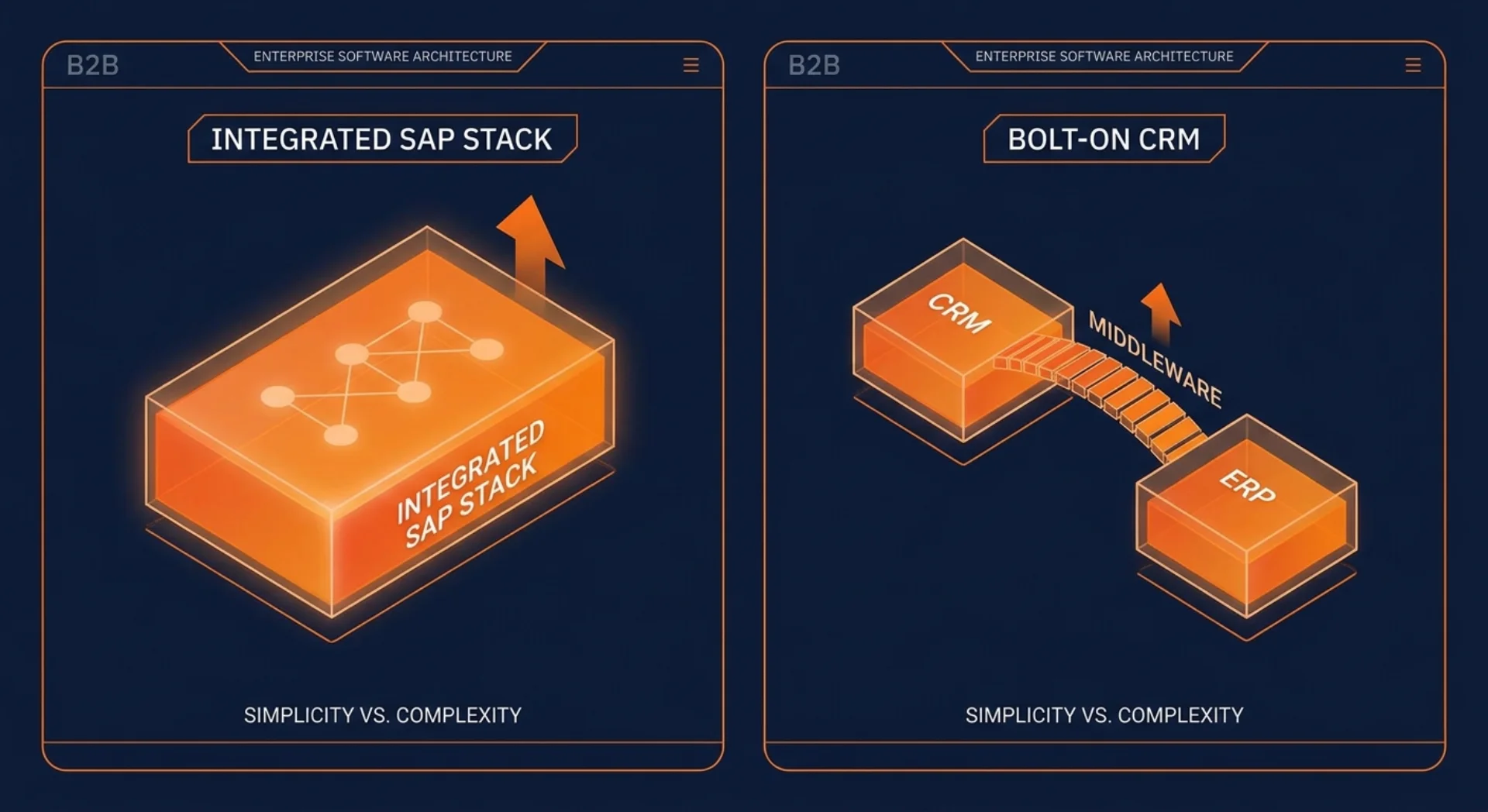
For DACH companies moving off SAP S/4HANA on-premise or ECC, this is one of the real arguments for the public cloud route. You get a CRM and an ERP that share the same foundation. Not two systems held together with middleware.
One customer data model, not two
The Business Partner model is the backbone of both systems. In S/4HANA Public Cloud, every customer is created as a Business Partner. Sales Cloud V2 consumes that record via SAP Integration Suite. The result: account data in Sales Cloud reflects what S/4HANA holds: company name, address, payment terms, credit limit, dunning status.
For sales reps, this changes the conversation they can have with a customer. When a rep opens an account in Sales Cloud V2, they see the financial picture: outstanding invoices, credit exposure, payment history. They don’t need to call finance to find out if a deal is blockable. The information is already there.
For service teams, the same model means support tickets in SAP Service Cloud V2 are tied to the same customer entity that lives in the ERP. No separate lookup. No “which system do I trust?”
The synchronisation isn’t magic, nota bene. Business Partner records are maintained in S/4HANA as the master system. Changes flow downstream to Sales Cloud V2 through integration events. New customers created in Sales Cloud V2 during an acquisition process can flow back to S/4HANA for ERP onboarding. The direction of flow and the field mapping are decisions you make at implementation time, not something you figure out after go-live.
The quote-to-order-to-invoice loop
This is where the integration pays off most visibly for sales teams.
A rep builds a quote in SAP Sales Cloud V2. The product catalogue comes from S/4HANA: prices, discounts, available configurations. If you’re running CPQ, the pricing logic runs there and pushes output to Sales Cloud. The customer sees a quote built on real pricing data, not a spreadsheet the rep maintains separately.
When the customer accepts, the order gets triggered. Instead of the rep emailing the order to an internal team who manually enters it in SAP, the order flows directly into S/4HANA for fulfilment processing. Warehouse picks it. Logistics ships it. Finance invoices it.
The invoice status (posted, paid, overdue) flows back into the Sales Cloud 360° view. The rep can see whether the order from last month has been paid without opening a finance portal. Service can see delivery status without calling the warehouse.
That loop, quote to order to invoice, all visible in Sales Cloud, is what “integrated CRM and ERP” actually means in practice. Not two systems with an arrow between them on a slide. A real flow where data moves without manual re-entry.
Clean core: where the integration logic actually lives
SAP’s clean core principle matters here. The goal is to keep customisation out of S/4HANA’s core and push integration and extension logic to the SAP Business Technology Platform.
In practice for a Sales Cloud and S/4HANA integration, this means:
- Standard APIs on both sides (OData, SOAP, event mesh)
- Integration flows built in SAP Integration Suite on BTP
- Pre-built content packages from SAP for the standard scenarios
- Custom logic (pricing rules, approval workflows, field mappings) in BTP extensions or SAP Build, not in S/4HANA modifications
The benefit isn’t just philosophical. When SAP releases a new version of S/4HANA Public Cloud (which happens quarterly), a clean core integration survives the upgrade intact. A heavily modified core doesn’t. Companies that have customised directly in S/4HANA spend weeks on every upgrade verifying nothing broke. Companies on clean core spend hours.
What stays in S/4HANA vs Sales Cloud V2 vs BTP
| Responsibility | Where it lives |
|---|---|
| Customer master data (Business Partner) | S/4HANA Public Cloud |
| Product catalogue, pricing conditions | S/4HANA Public Cloud |
| Order management, fulfilment, invoicing | S/4HANA Public Cloud |
| Opportunity management, pipeline, forecasting | Sales Cloud V2 |
| Customer interactions, activities, visit reports | Sales Cloud V2 |
| Service tickets, SLA tracking, escalations | Service Cloud V2 |
| Integration flows, event processing, error handling | BTP Integration Suite |
| Extensions, custom apps, AI features | BTP (side-by-side) |
There are edge cases. But as a starting model, it’s cleaner than most landscapes we inherit.
What this looks like in a real Spadoom delivery
We’ve helped mid-size manufacturing and distribution companies in DACH connect their CRM and ERP stacks. The pattern is consistent.
Before the project: sales reps maintain customer data in a CRM that’s loosely synced with SAP. Finance has the authoritative customer record but sales can’t see it. Order entry is manual: rep emails, admin enters. Invoice status is unknown to the sales team until a customer complains about being put on credit hold.
After the project: the Sales Cloud account view shows credit status, open invoices, and order history from S/4HANA. Quotes are built on real pricing from the ERP. Orders flow in without re-entry. Pipeline visibility in Sales Cloud reflects what’s actually happening in fulfilment.
The customer Nussbaum gained exactly this kind of pipeline visibility: knowing where deals stood relative to financial reality, rather than managing it across disconnected tools.
For Miltenyi, a combined sales and service implementation meant that the teams sharing customer accounts saw the same data. Service tickets informed the sales picture. Sales context helped service prioritise.
These aren’t dramatic transformations. They’re what CRM and ERP integration is supposed to do. It works when the data model is shared from the start, which is why the S/4HANA Public Cloud and Sales Cloud V2 combination is worth the upfront design work.
How to sequence the two projects
The most common mistake is running CRM and ERP as parallel, independent projects that are supposed to “connect later.” They rarely do. Or they connect superficially, and the integration debt piles up. We’ve untangled enough of these “connect later” landscapes to be firm on this point.
The better sequence:
- Design the shared data model first. Before any system configuration, agree on what a Business Partner looks like, how accounts and contacts are structured, and where master data is maintained. This is a business decision, not a technical one.
- Stand up S/4HANA first, or in parallel with Sales Cloud. Not after. If Sales Cloud goes live on a temporary integration with your old ERP, you’ll spend the S/4HANA go-live cleaning up the mess. Easier to do it right once.
- Define the integration scenarios before go-live, not during. Quote-to-order, invoice visibility, customer master sync: configure and test these in a dedicated integration environment. They can’t be bolted on at the end.
- Run the integration in production before go-live. Mock the S/4HANA side if needed. But the integration flows should be smoke-tested in real systems before the first real order goes through.
For more detail on the sequencing logic and what the implementation phases look like, see our spoke post on how to implement S/4HANA Public Cloud and Sales Cloud V2 together.
The integration between S/4HANA Public Cloud and Sales Cloud V2 is one of the most frequently discussed topics in our customer conversations right now. Most companies are somewhere in the middle: running one or both systems, not fully connected. If you’re planning how to get there, let’s talk about your specific setup.
You might also find these useful:
SAP Sales Cloud V2 implementation partner
Spadoom is the SAP Sales Cloud V2 implementation partner across Switzerland, Germany, Austria and Italy. 14-week median go-live. Live customers across DACH.
Related Articles
Why SAP Sales Cloud V2 Is the Right CRM for an S/4HANA Public Cloud Landscape
If you're running SAP S/4HANA Public Cloud, the best CRM is the one that doesn't need a middleware layer to talk to your ERP. That's SAP Sales Cloud V2.
What S/4HANA Public Cloud Gives You Natively vs What Needs Sales/Service Cloud V2
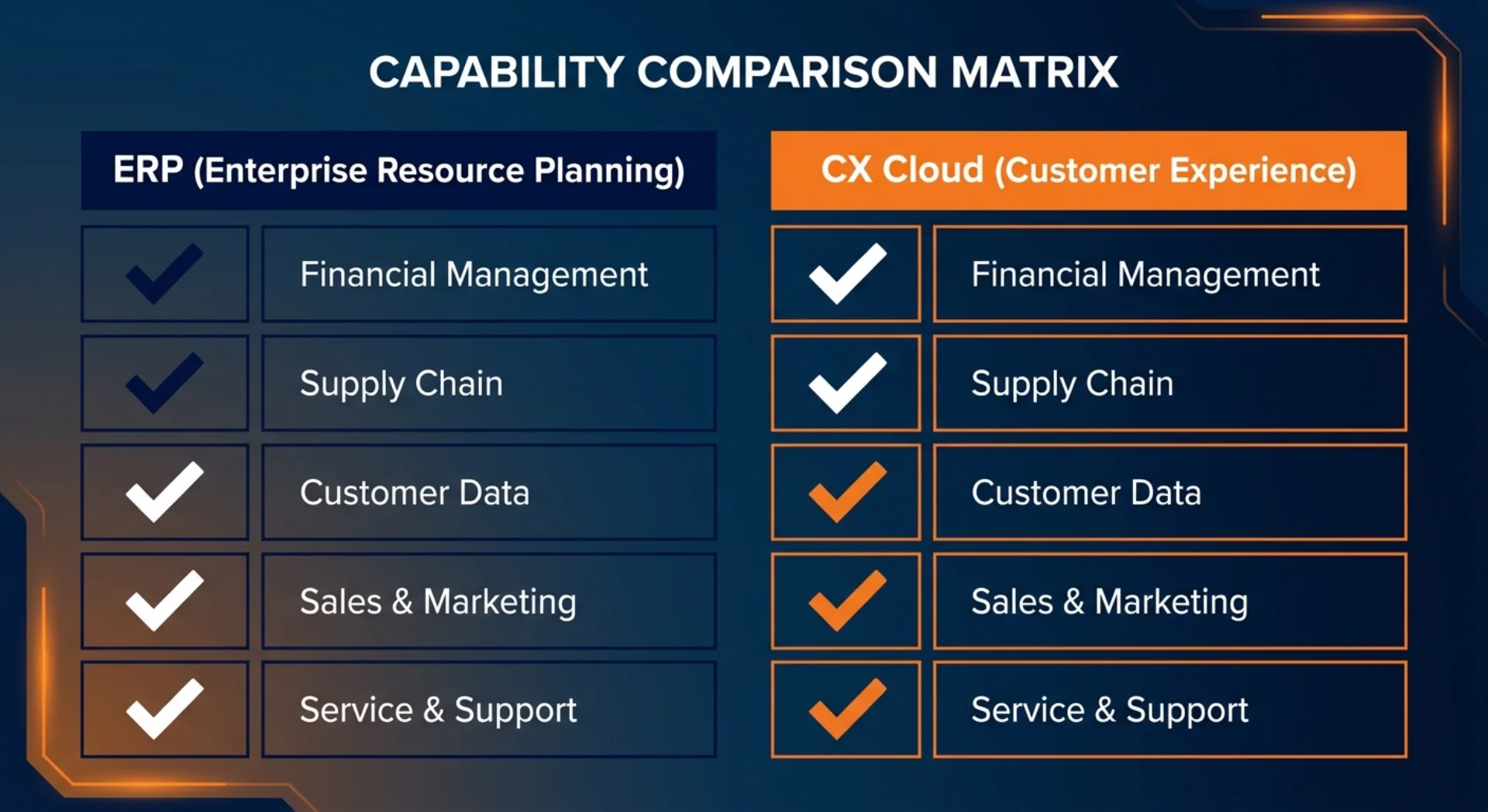
S/4HANA Public Cloud handles orders and basic sales documents. It does not replace a front-office CRM. Here's a clear map of what's native, what needs Sales Cloud V2, and what needs Service Cloud V2.
Rolling Out S/4HANA Public Cloud and Sales Cloud V2 Together: Sequencing, Timeline, Pitfalls
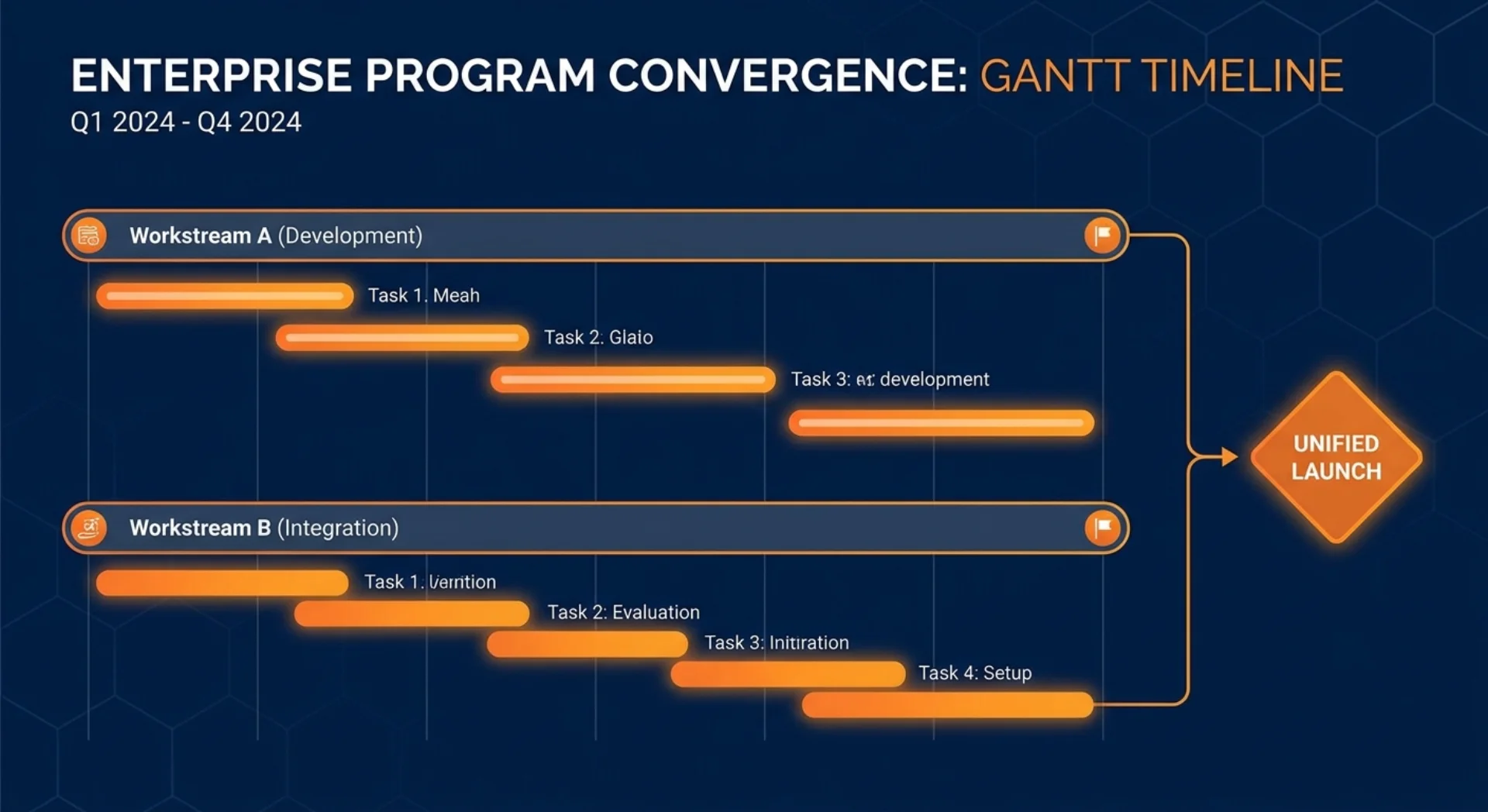
Should you implement S/4HANA Public Cloud and Sales Cloud V2 at the same time? The short answer: it depends on which system your business needs more urgently. Here's how to sequence it, what to sync between teams, and where projects typically fall apart.