Why SAP Sales Cloud V2 Is the Right CRM for an S/4HANA Public Cloud Landscape

Spadoom
SAP CX Partner & Consultancy
The best CRM for SAP S/4HANA Public Cloud is the one that shares its data model.
That’s the short answer. If you want the full picture: if your ERP is SAP S/4HANA Public Cloud and you’re choosing a CRM, every option that isn’t SAP Sales Cloud V2 will need a middleware layer to function. That layer has a cost, a maintenance burden, and a failure rate. It’s not a reason to never choose a third-party CRM. But it’s a variable most evaluations underweight, and in our experience it’s rarely priced in properly.
We’ve built S/4HANA + Sales Cloud V2 landscapes for DACH clients. Here’s our honest read.
What’s the best CRM for SAP S/4HANA Public Cloud?
The answer most SAP partners won’t say out loud: if your ERP is S/4HANA Public Cloud, the native choice is SAP Sales Cloud V2. Not because SAP says so, but because the integration architecture is already there.
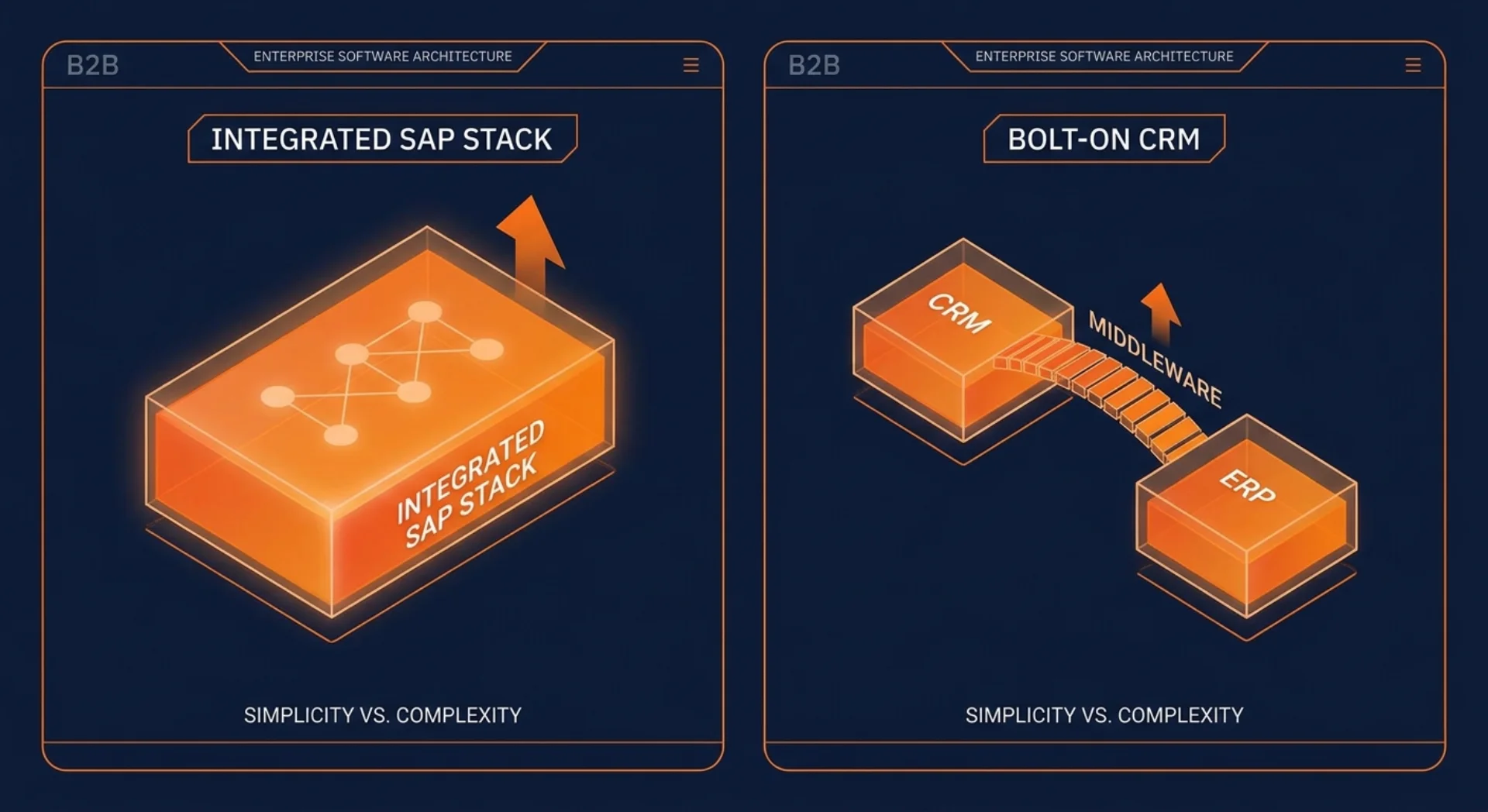
Sales Cloud V2 and S/4HANA Public Cloud share a common Business Partner master on SAP BTP. Product catalogues and pricing conditions flow from S/4HANA into the quoting screen in Sales Cloud. Orders created in Sales Cloud route directly to S/4HANA for fulfilment. Invoice and delivery status come back into the 360° customer view without a data mapping exercise.
None of this happens by magic. You still configure the integration. But you’re using pre-built content packages on Integration Suite, not building connectors from scratch. And when something breaks, you’re troubleshooting within one vendor’s ecosystem.
For companies already running SAP (and especially those moving from on-premise ECC to S/4HANA Public Cloud), this matters. If you also want the full picture of how the integrated stack fits together, that’s worth reading before making a CRM decision.
The integration tax of a bolt-on CRM
Salesforce and Microsoft Dynamics 365 are strong products. Both integrate with SAP, and for some companies they’re the right call. But “integrates with SAP” and “integrates cleanly with S/4HANA Public Cloud without permanent overhead” are two different things.
Here’s what the integration work actually involves with a bolt-on CRM:
An Account in Salesforce and a Business Partner in S/4HANA are different objects with different fields, different hierarchies, and different rules. Mapping them takes time upfront, and it’s an ongoing job: every time your data model evolves in one system, you revisit the mapping. The same applies to products, pricing conditions, and order data.
You need middleware. SAP Integration Suite works well for this; so does MuleSoft or Boomi if you’re already using them. But you’re adding a third system to your landscape that needs to be licensed, monitored, and maintained. When a sync fails (and they do), someone needs to catch it, diagnose it, and fix it.
And in a Public Cloud context specifically, S/4HANA’s standardisation limits the custom APIs you can build on the ERP side. You’re constrained to SAP’s published OData and event-based APIs, which is fine, but it means you can’t build a bespoke integration that perfectly matches your Salesforce data model. You work with what SAP exposes.
None of this is a dealbreaker. Companies run Salesforce + S/4HANA in production every day. But the integration is a permanent cost centre, not a one-time setup cost.
Native advantages of Sales Cloud V2 on S/4HANA
With Sales Cloud V2, the integration work is still there. But most of it is pre-built and vendor-supported.
Shared Business Partner master. Customer records in Sales Cloud V2 reference the same Business Partner that lives in S/4HANA. You’re not syncing; you’re using one object. Changes in one system are visible in the other because they’re looking at the same source.
Real pricing from your ERP in the quoting screen. When a sales rep builds a quote in Sales Cloud V2, they’re pulling live pricing conditions from S/4HANA. No stale pricing in the CRM. No manual export. The rep sees the same prices your finance team sees.
Order handoff without a mapping exercise. When a quote converts to an order in Sales Cloud, it flows to S/4HANA for fulfilment through a standard integration. Delivery dates and invoice status flow back. The rep can see order status without switching systems.
Upgrade coordination between CRM and ERP. Both systems are on SAP’s cloud release cycle. When SAP ships a new Sales Cloud V2 release, the ERP-side APIs it depends on are updated in sync. With a bolt-on CRM, you coordinate upgrades across two vendors and an integration layer, and hope nothing breaks.
SAP Joule across the stack. The AI assistant works across Sales Cloud and S/4HANA. A rep can ask Joule about order delivery status, customer payment history, or open service tickets in one conversation. That cross-module intelligence doesn’t exist when your CRM is a different vendor.
For more on Sales Cloud V2 capabilities specifically, that’s a good next read.
When a third-party CRM still makes sense
This section exists because honest advice requires it.
If your company already runs Salesforce across multiple divisions, with mature Salesforce configurations, active AppExchange integrations, and a Salesforce admin team, then switching to Sales Cloud V2 for an S/4HANA deployment is probably the wrong call. The switching cost is real. The retraining burden is real. And your existing Salesforce investment doesn’t just disappear.
If you have significant data science or analytics work built on a CRM data model (custom Salesforce objects, Einstein models, data flows into Snowflake or a data warehouse), that’s hard to replicate quickly.
If your CRM requirements extend well beyond a traditional B2B sales workflow into CPQ complexity, partner relationship management, or industry-specific functionality where Salesforce’s ecosystem gives you a head start: consider what you’d lose.
The comparison is never purely technical. It’s about where you’re coming from, what’s already invested, and how much your teams want to change. We’ve written a more direct comparison for those deep in the evaluation: SAP Sales Cloud V2 vs. Salesforce for S/4HANA deployments.
Spadoom’s track record migrating to V2
We’ve run 12+ SAP Sales Cloud V1 to V2 migrations. Several of those involved parallel S/4HANA landscape work. Here’s what we’ve learned.
Migrations go faster when the data model is already clean. If you’re moving to S/4HANA Public Cloud at the same time as CRM modernisation, the shared Business Partner model in Sales Cloud V2 gives you a forcing function to tidy up your master data once, not twice.
Our median go-live is 14 weeks. That number holds when scope is clear and the customer team is available. Creep comes from scope additions and slow decisions, not from the technology.
Six months after go-live, we measure adoption. Across our V2 projects, we’re at 92% adoption. That number is higher when the sales team is involved in configuration early, when they see their terminology, their stages, their workflow reflected in the tool.
The best integrations we’ve delivered are the ones where the ERP and CRM team talk to each other before anyone touches a configuration screen. If your SAP Basis team and your CRM lead have never been in the same room, that’s the first meeting to schedule.
If you’re evaluating whether Sales Cloud V2 is the right CRM for your S/4HANA landscape, let’s talk.
SAP Sales Cloud V2 implementation partner
Spadoom is the SAP Sales Cloud V2 implementation partner across Switzerland, Germany, Austria and Italy. 14-week median go-live. Live customers across DACH.
Related Articles
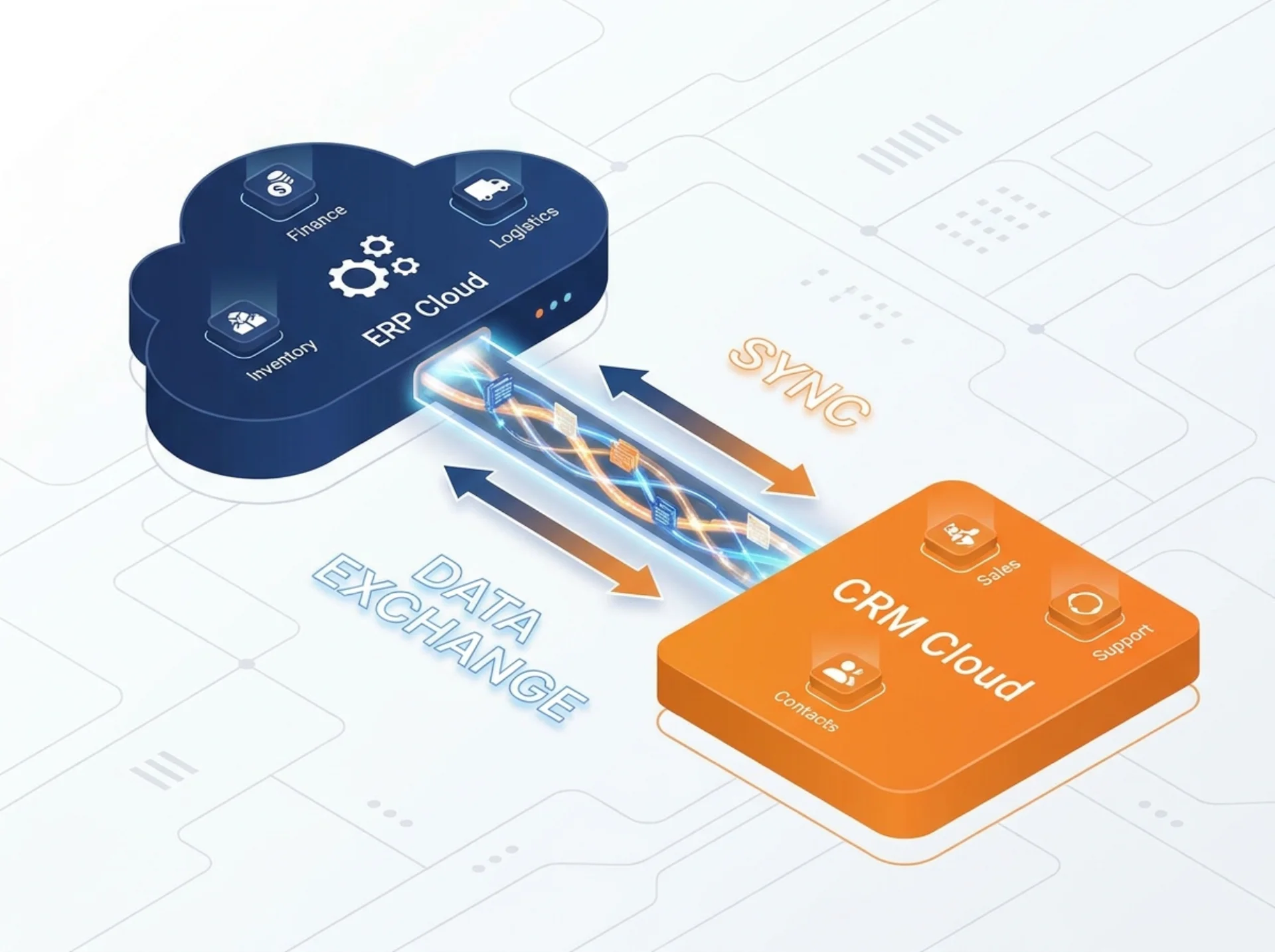
SAP S/4HANA Public Cloud + SAP Sales Cloud V2: The Integrated CX + ERP Stack
You don't need two CRM systems and two ERP systems. You need one clean data model. Here's how SAP S/4HANA Public Cloud and Sales Cloud V2 fit together, and how to implement them without creating a new mess.
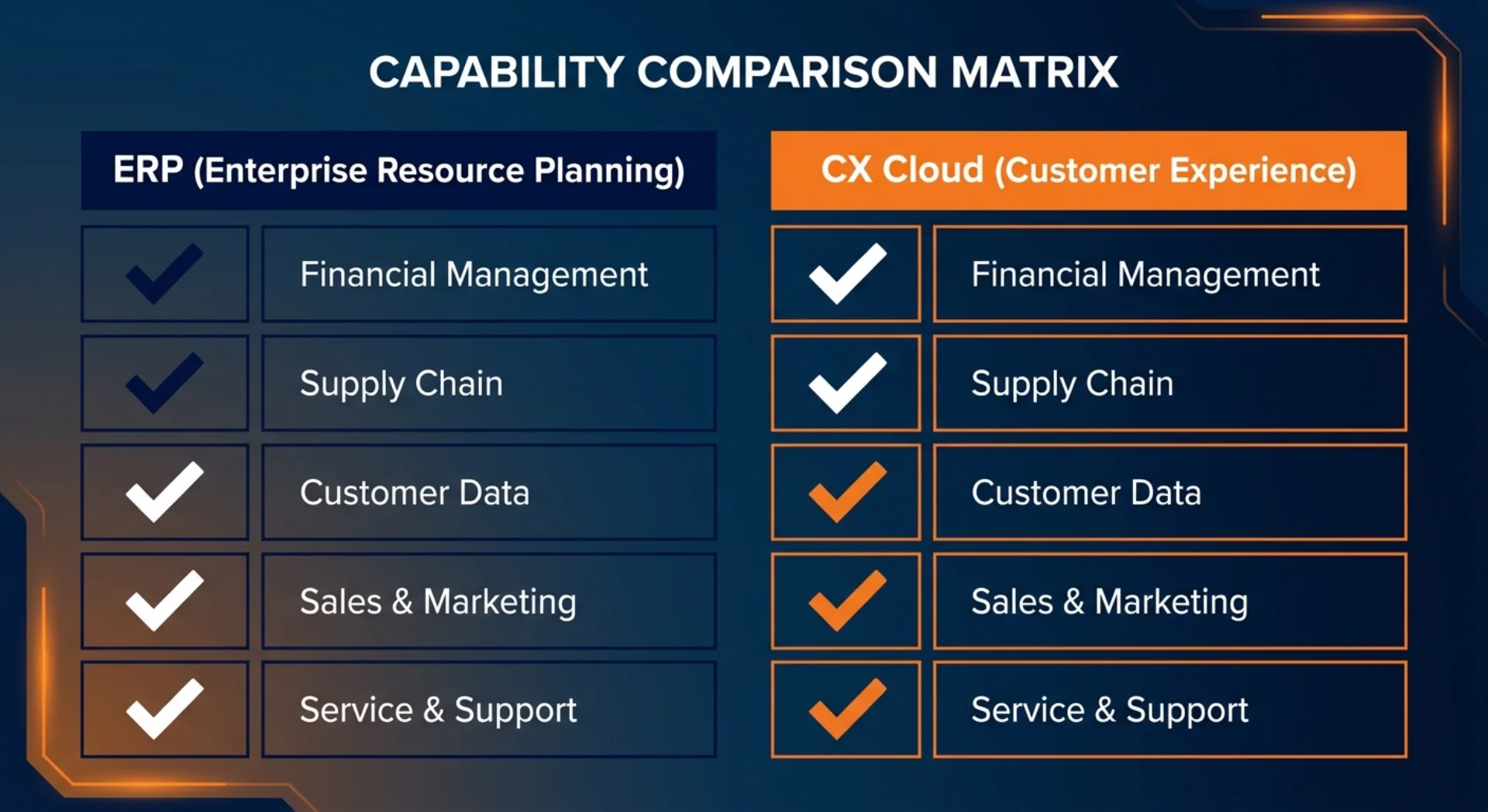
What S/4HANA Public Cloud Gives You Natively vs What Needs Sales/Service Cloud V2
S/4HANA Public Cloud handles orders and basic sales documents. It does not replace a front-office CRM. Here's a clear map of what's native, what needs Sales Cloud V2, and what needs Service Cloud V2.
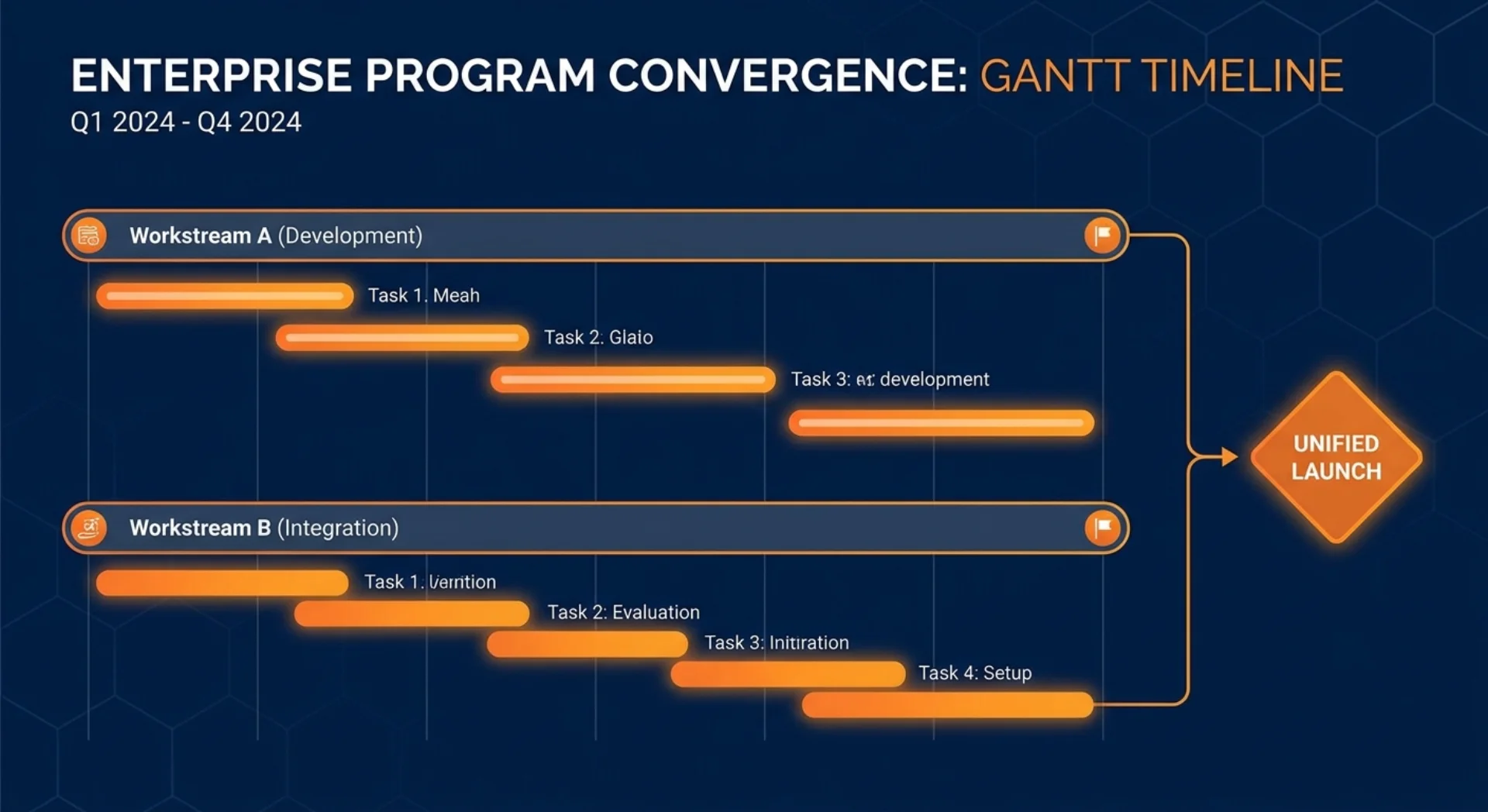
Rolling Out S/4HANA Public Cloud and Sales Cloud V2 Together: Sequencing, Timeline, Pitfalls
Should you implement S/4HANA Public Cloud and Sales Cloud V2 at the same time? The short answer: it depends on which system your business needs more urgently. Here's how to sequence it, what to sync between teams, and where projects typically fall apart.